PULSENOVA
JOURNAL
EVERY ENTRY CARRIES ITS NUMBERS
Barba swaps the container. Nothing else.
Four things broke on our own site after a page change. All four had the same cause. Barba replaces the main container and leaves everything outside it untouched.
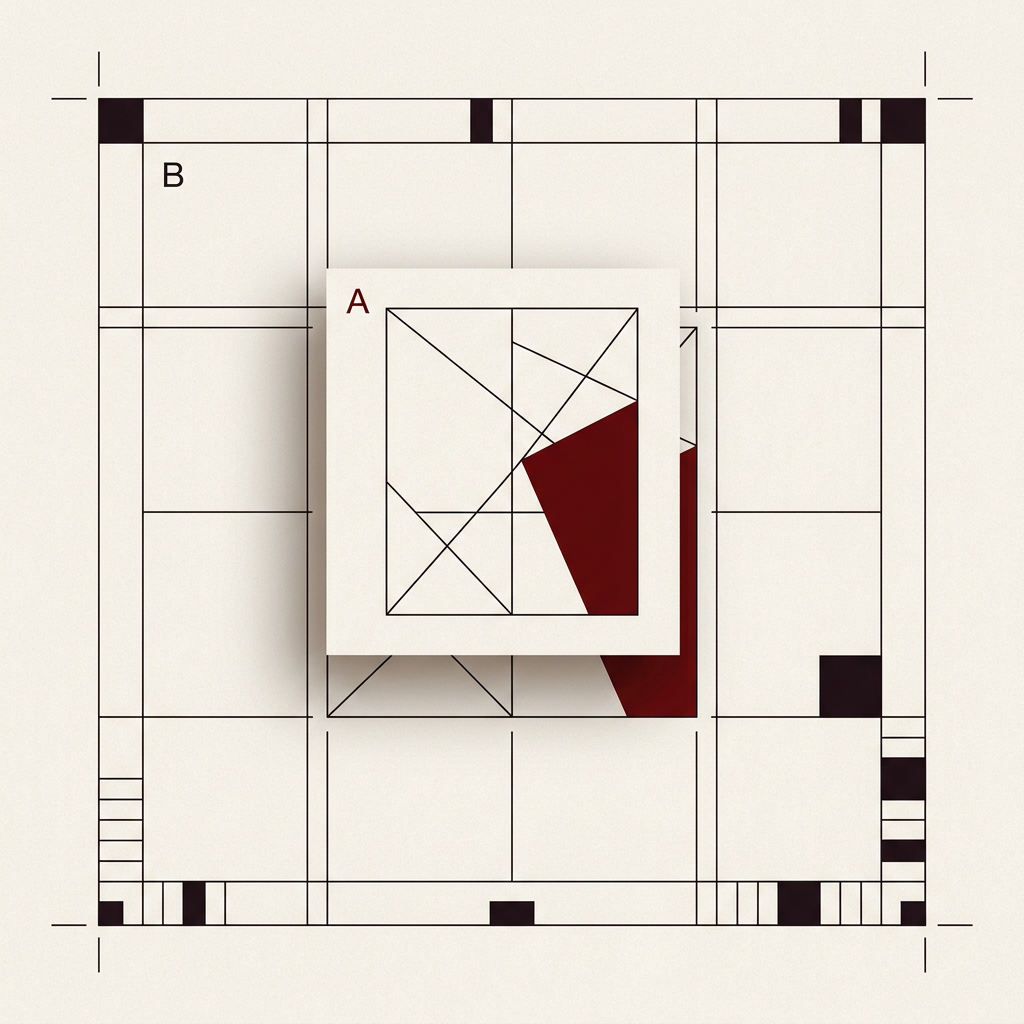
4 FAULTS · 1 CAUSE · 3923 B CSS LOST
What Barba actually does
Barba runs page changes without a full reload. It fetches the next page, takes the element marked as the container and swaps it into the current document. Everything outside that container stays exactly as it was.
That last sentence is the whole problem. A script that ran once on first load has already run. An element that sits outside the container never arrives. A stylesheet in the head is never replaced, because Barba does not touch the head.
The four failures, with numbers
On 6 August 2026 we measured four separate faults on this site. All four had the same cause.
The grain overlay disappeared
The grain layer sits in the page code of the work page as a div outside the container. Clicking from the home page to the work page never brought it into the document. After a reload it was there. It was the only element missing after the change, which is what pointed at the cause.
The hero type broke out of its column
The bio page carries 3923 bytes of page CSS in the head. Barba never swaps the head, so after a click that CSS was simply absent. The headline measured 269 pixels instead of 196. The line ran 1379 pixels wide instead of 1004, so the name ran out of the frame.
The background went dead on return
The WebGL background initialises once on first load. Going back to the home page left two elements with zero children and zero canvases. The scenes were still bound to DOM that had been deleted.
The timeline jumped 2400 pixels
Our page reset cleared the page but left the transform of the entry animation in place. At scroll position 2400 the station sat at y minus 2328 instead of y 72.
The rule we build by now
Anything that belongs to a page belongs inside the container. Anything that has to survive a page change needs an explicit synchronisation step on every change, in both directions.
We run three of those steps today. One pulls the page CSS out of the incoming HTML into the head and removes the previous page's blocks. One adds or removes the grain layer depending on an attribute on the container. One rebuilds the WebGL scenes.
What to check on your own site
Open your site, click through to a second page and compare the document with a reload of the same URL. Every element that is present after the reload but missing after the click sits outside your container. That list is your work.
PULSENOVA
NEXT NOTE
3 FALSE FIXES · 1 WIDTH TESTED · 6 REQUIRED
NEWSLETTER
One build note. Every week.
What shipped on a client site, what broke, and the fix that worked. Written from inside the studio, sent once a week. No pitch, no link roundup.
UNSUBSCRIBE FROM ANY EMAIL. STORED WITH KIT.